
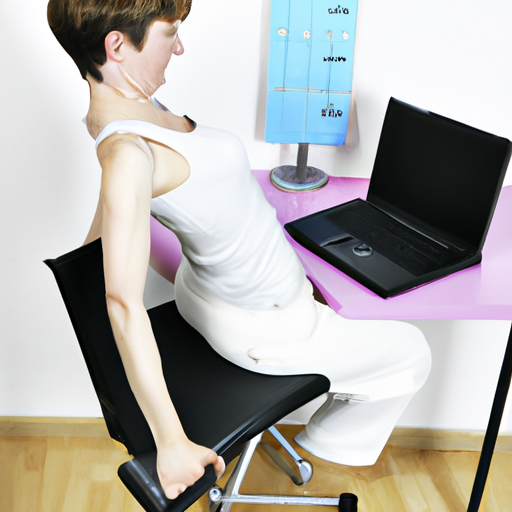
 In today’s digital age, many of us find ourselves spending long hours in front of the computer for work. However, this sedentary practice can lead to a variety of health issues, such as back, neck, and wrist pain. To combat these potential ailments, physiotherapists are sharing tips on how to maintain the ideal posture while working at the computer.
Ergonomics plays a crucial role in ensuring a comfortable and safe workspace for computer users. By designing the workspace to suit the user’s needs, ergonomics not only enhances comfort but also reduces the risk of long-term injuries. It is important to adjust the work environment to promote proper posture and prevent strain on the body.
When it comes to monitor position, experts recommend placing the screen at a distance of 50 to 70 centimeters from the eyes, with the top of the screen at eye level or slightly below. This positioning helps maintain a neutral posture and prevents neck strain.
In terms of keyboard and mouse placement, it is advised to position the keyboard close to the edge of the desk to keep the forearms parallel to the floor while typing. Additionally, the mouse should be at the same level as the keyboard to avoid awkward movements and strain on the wrist.
To combat the negative effects of prolonged sitting, physical therapists suggest taking short breaks every 30 minutes to stand up, stretch, and move around. These breaks help reduce muscle tension and improve blood circulation, ultimately promoting overall well-being while working at the computer.